
Reviewed and updated: October 14, 2026
Start with an exact battery inventory
List every camera body, battery model, charger, and USB power option you plan to carry. Similar batteries are easy to confuse, especially within one brand. Read the code printed on the battery and confirm compatibility in the camera manual or manufacturer's official support page. Do not rely only on shape or an online marketplace title.
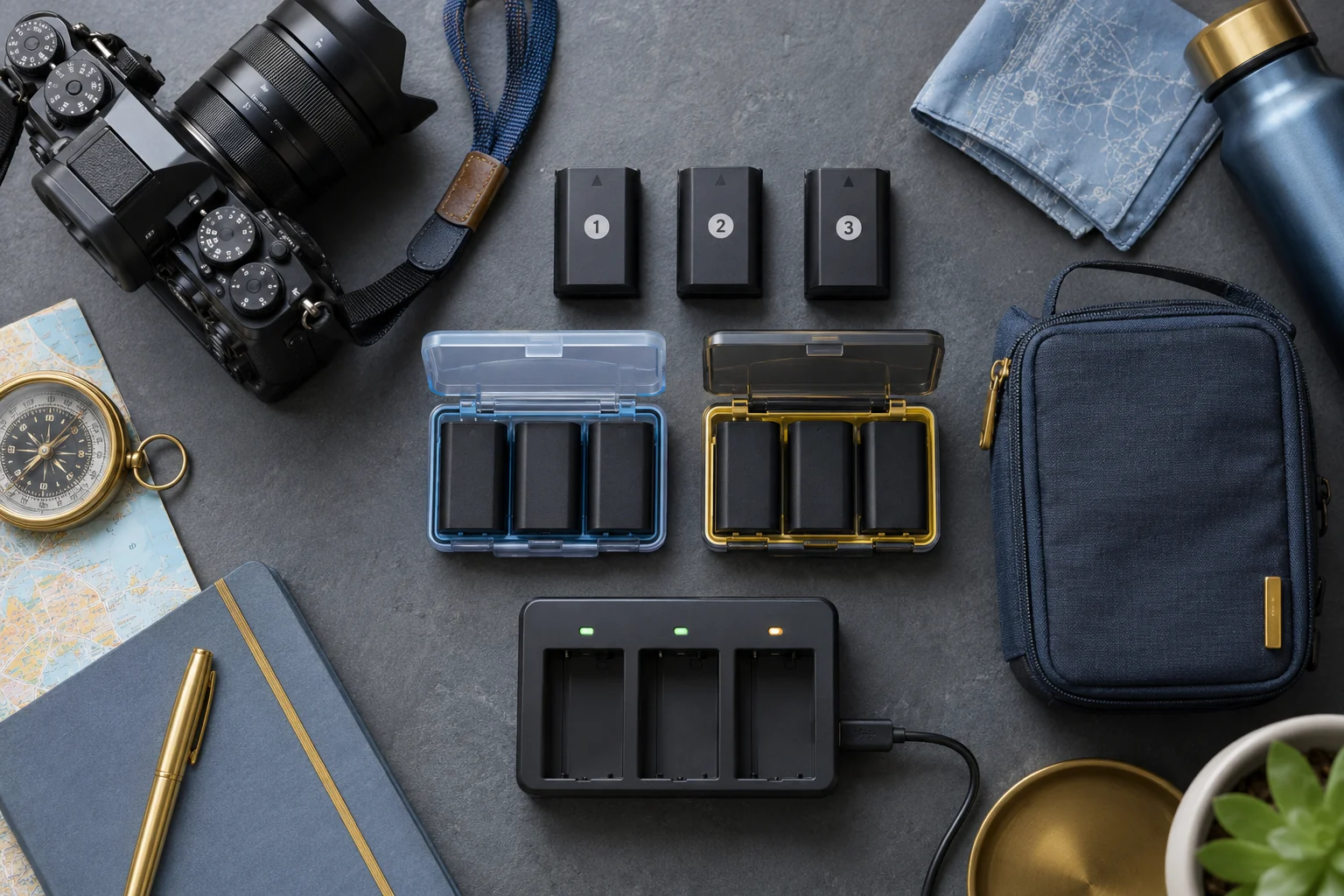
Number same-model batteries with small removable labels such as A1, A2, and A3. The label should not cover contacts, vents, warnings, or regulatory markings. Record approximate purchase dates if known. The purpose is to track behavior, not to create a false expiration date.
Separate charged, used, and questionable batteries
Use three states: ready, used, and inspect. A small case with labeled compartments works better than loose batteries in a pocket. Move a battery to used as soon as it leaves the camera. If it swells, overheats, drains unexpectedly, or has damaged wrapping or contacts, place it in inspect and stop using it.
Never force a swollen battery out of a camera. Turn the camera off, move it away from heat and combustible material, and follow the manufacturer or local disposal authority's guidance. Lithium-ion batteries should not go into household trash.
Rotate by label instead of memory
Begin the trip with A1 in the camera and A2 and A3 in the ready compartment. When A1 is depleted, move it to used and install A2. Continue in order. This spreads cycles across the set and makes an unusually weak battery easier to spot.
Rotation does not require fully draining lithium-ion batteries; follow the maker's charging guidance. On a short outing, a partly used battery can remain marked used until you recharge and verify it. Avoid mixing unverified third-party chargers or batteries into a system built for original equipment without checking compatibility and safety documentation.
Charge where you can monitor the process
Use the approved charger on a stable, dry, hard surface with ventilation. Keep it away from bedding, direct sun, and a hot car. Inspect the charger's cord and pins before travel. If you use USB charging inside the camera, confirm the camera model supports it and determine whether it can operate while charging.
A multi-port travel adapter may be convenient, but the power rating still matters. Read the charger's input requirements and use a reputable adapter that matches the destination. Do not stack chargers under clothing to save counter space.
Protect spare battery terminals
Loose metal objects can bridge exposed contacts. Keep each spare in its original retail packaging, a fitted battery case, or an individual protective pouch. Do not carry a bare battery beside keys, coins, or memory card cases with metal parts.
TSA and FAA guidance says spare lithium batteries and power banks belong in carry-on baggage, with terminals protected from short circuit. Airline and international rules can change and may vary with battery size, so review current carrier and government guidance before each trip.
Make a nightly reset
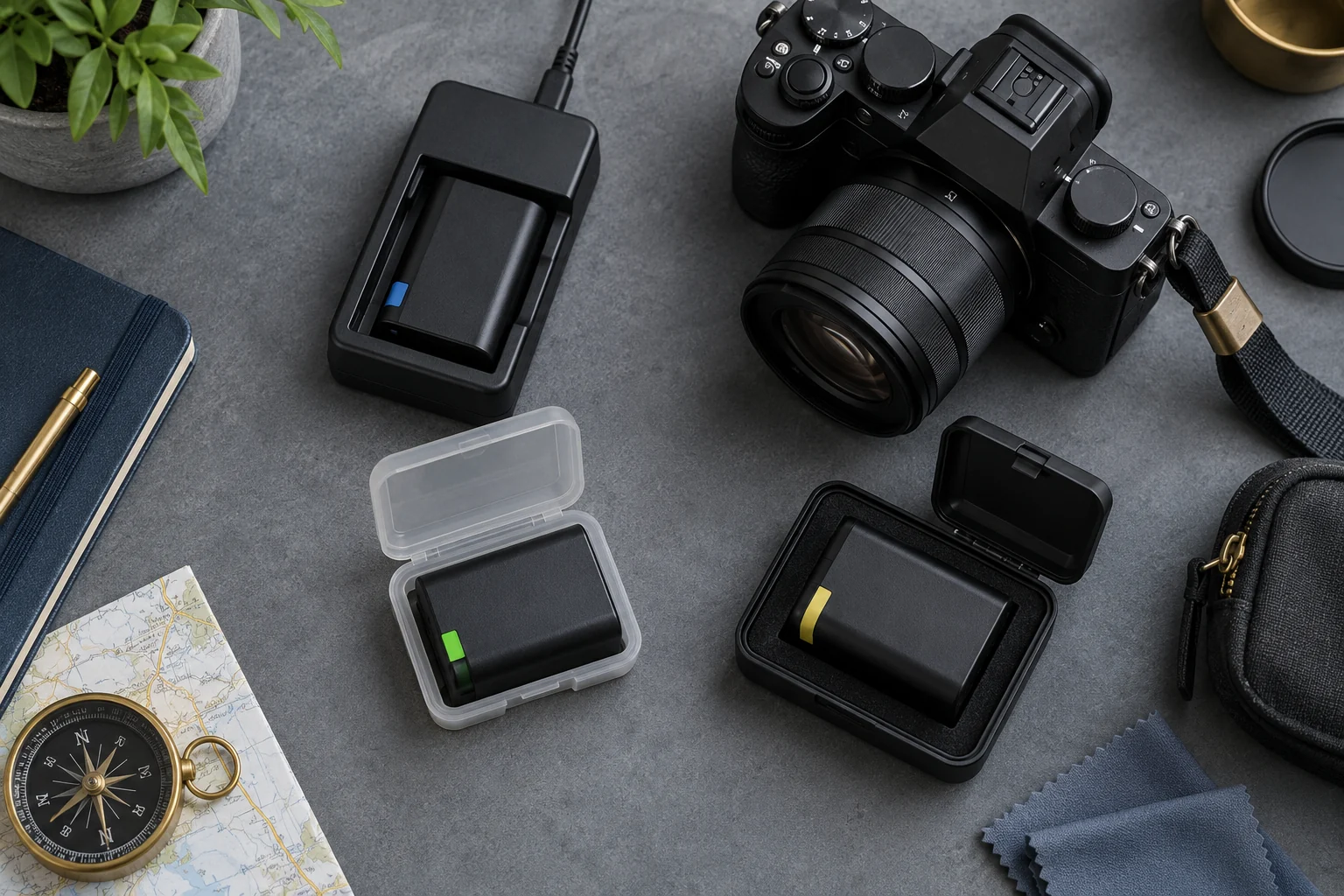
At the end of the day, copy and verify your photos first, then assess batteries. Put depleted batteries on charge while you are awake, move completed batteries to ready, and note any unit that performed unusually. Confirm that the battery in the camera is in the state you expect before packing it.
A simple note in your phone can record A2: low in cold weather or A3: stopped at 40 percent. One odd reading is not always a failure; temperature, video use, wireless features, and age affect runtime. Repeated behavior is more useful evidence.
Plan for cold and heat
Cold weather can reduce apparent battery performance temporarily. Keep spares in an inside pocket or insulated case without placing them against a hand warmer. A battery that appears empty in the cold may recover some capacity when it warms, but do not count on that for a critical shot.
Heat is also hard on batteries. Never leave them in a closed vehicle or direct sun. Let a hot battery return to normal room temperature before charging. Condensation can form when cold gear enters a warm humid room, so allow the camera and battery to acclimate according to the manual.
Match capacity planning to the assignment
Estimate demand from your own past use rather than the largest shot-count claim you can find. Long video clips, burst shooting, stabilization, screen brightness, wireless transfer, and frequent review can consume more power. A small travel camera may need fewer batteries but offer fewer charging alternatives.
Our travel camera guides can help you think through size and workflow. If you use a Canon M50, the existing battery guide identifies its battery family; verify the exact body and manual because similarly named models can differ. Pack the charger even when you expect USB charging to cover the trip.
Test the whole system before departure
One week before travel, charge every battery, install each one, take photos and short video, review the files, and confirm the charger completes normally. Check that the camera clock and firmware settings remain stable when batteries are changed. Replace a damaged case or unreadable label before packing.
Also test the physical layout: can you tell ready from used in low light, with gloves, or in a hurry? If the answer is no, simplify it. Bright case dividers or tactile labels may help, but never attach anything that can peel onto the contacts.
A travel-day battery checklist
Carry spares with protected terminals in your cabin bag. Keep ready and used batteries separate. Use batteries in label order, record odd behavior, and charge only with compatible equipment where you can monitor it. Protect the set from temperature extremes and moisture.
The best rotation system is visible and boring. You should not need to guess which battery is full or discover a dead spare during a once-only moment. A few labels, a proper case, and a nightly reset provide more reliability than carrying an unorganized pile of extra batteries.
Create a record for aging batteries
After each trip, compare the batteries rather than putting them straight into a drawer. Note which unit delivered clearly shorter runtime, showed a sudden percentage drop, or charged unusually slowly. Clean only as the manufacturer directs, and store batteries at the recommended state of charge and temperature. Long-term storage advice varies by chemistry and maker.
Recheck the set before an important assignment. A battery that performed well last year may have aged in storage, and a firmware update can change the camera's power behavior. When replacing one, buy from a trusted source and verify the model markings and packaging. Counterfeit batteries may copy the shape while omitting safety features. Recycle retired lithium batteries through an approved program with terminals protected, following local rules; never place them loose in a household recycling bin.