
What Battery Does the Canon M50 Use?
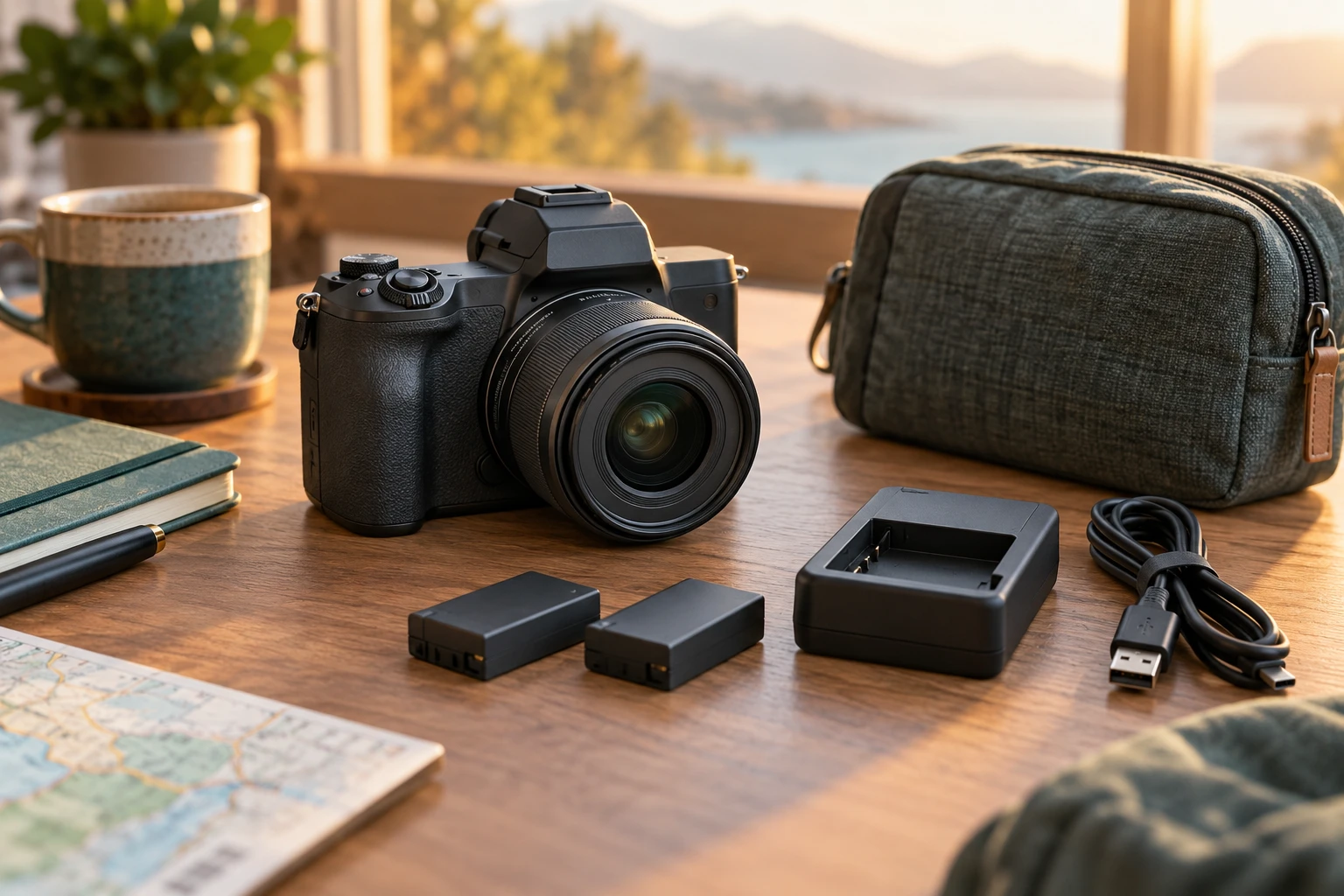
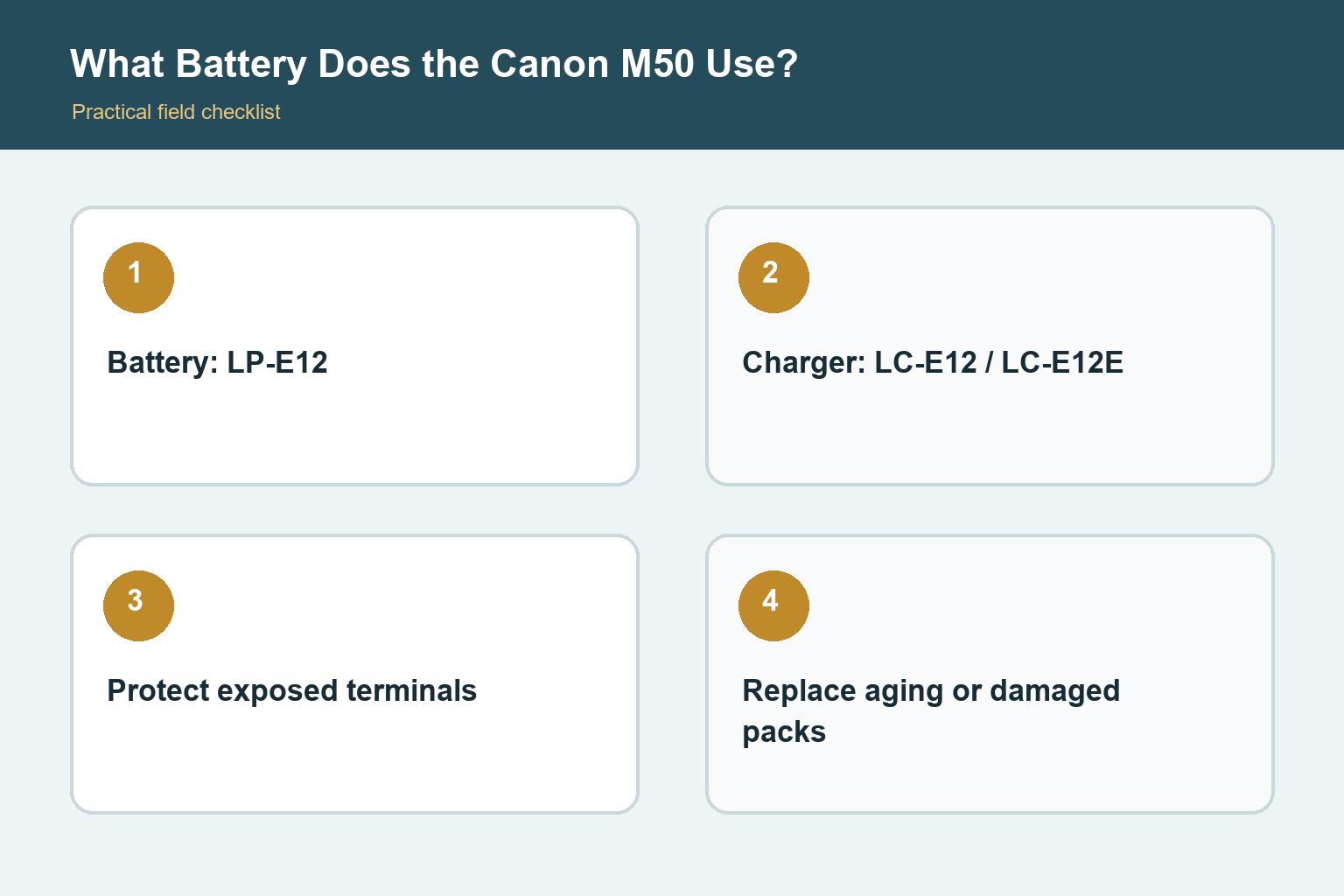
The Canon EOS M50 and M50 Mark II use the Canon LP-E12 battery pack and the LC-E12 or LC-E12E charger. Match the exact model markings and follow Canon’s charging and storage guidance.
The exact battery and charger
Canon specifies the LP-E12 rechargeable battery pack for the EOS M50 family. The dedicated charger is the LC-E12 or region-specific LC-E12E. The battery and charger names matter because Canon makes several small packs that look similar but differ in shape, contacts, voltage, communication, and compatibility. Check the camera label, manual, battery engraving, and charger label rather than relying on a marketplace title that lists many models.
Original M50 and M50 Mark II compatibility
Both the original EOS M50 and the EOS M50 Mark II use the LP-E12. The Mark II system map also identifies the LC-E12 charger and DR-E12 DC coupler for supported powered setups. That shared battery is convenient for owners of both bodies, but it does not mean every EOS M accessory is interchangeable. Lens mount, cables, remotes, microphones, power accessories, and regional kit contents should each be checked separately.
Charge the battery safely
Use the specified charger on a stable surface with ventilation and follow the indicator lights described in the manual. Canon states that an exhausted LP-E12 takes about two hours to charge at room temperature, with time varying by temperature and remaining capacity. Charging in colder conditions may take longer. Remove the battery when charging is complete, unplug the charger, and avoid covering it, using damaged cords, or charging near water, bedding, or intense heat.
Travel and storage habits
Attach the protective cover so the contacts cannot short against coins, keys, jewelry, or other metal objects. Keep batteries dry and protected from impact, puncture, crushing, and extreme temperature. Airline rules can change and typically require spare lithium-ion batteries in carry-on baggage with terminals protected, so verify the current carrier and government guidance before travel. Do not leave a battery in a hot vehicle or an unattended charging setup.
Recognize an aging battery
A pack that delivers much less use after a full normal charge may be reaching the end of its service life. Cold weather, frequent autofocus, wireless communication, image stabilization, prolonged screen use, and video can also reduce runtime, so compare behavior under similar conditions. Stop using a battery that swells, leaks, smells unusual, becomes excessively hot, has damaged contacts, or no longer fits correctly. Use an approved battery-recycling route rather than household trash.
Plan realistic battery life
A small mirrorless camera uses power for its screen, electronic viewfinder, focusing, stabilization in compatible lenses, wireless functions, and processing. Carry a charged spare for travel, events, and video. Reduce unnecessary screen brightness and wireless activity, but do not disable useful features solely to chase a laboratory number. Label multiple packs and rotate them so one is not repeatedly used while another sits fully charged for long periods.
Buying replacements
The safest default is a genuine Canon LP-E12 from an authorized seller with clear return and warranty terms. Counterfeit batteries and misleading bundles can copy labels closely. Examine packaging, model spelling, contact quality, fit, charger behavior, and seller history. A cheaper pack is not a saving if capacity is poor or protection circuitry is unreliable. Keep the original battery until a replacement has been tested so you can compare fit and normal camera behavior.
How to make the advice useful
Begin with a real shooting problem instead of a specification. Write down the subject, typical light, needed working distance, carrying limit, and the result you want to improve. Then test one change at a time. This keeps technique, equipment, and expectations separate. Review photographs on a larger screen, compare them at the same output size, and keep notes about the setting or position that actually changed the result.
A practical test routine
Use familiar subjects before an important trip or assignment. Make photographs indoors, outdoors, in motion, and at the closest distance relevant to the task. Check focus, exposure, background, handling, and file transfer while any return period remains open. Repeat weak results before blaming the equipment. Motion blur, missed focus, poor light, dirty optics, and an unsuitable viewpoint can look similar until the variables are tested carefully.
Keep the workflow dependable
Charge and label batteries, use reputable memory cards, format cards in the camera only after files are safely copied, and keep firmware and manuals associated with the exact model. Back up important files to at least two places. Add one accessory or setting change at a time so unexpected behavior has an identifiable cause. A simple routine that you understand will produce more reliable photographs than a complicated setup copied from someone else. Before travel, repeat the complete routine from capture through backup with the exact cables, cards, applications, and storage you plan to carry. A five-minute rehearsal can reveal a missing adapter or unsupported file before it matters.
Check the result, not only the settings
After each practice session, select a small group of successful and unsuccessful frames. Compare focus at the intended viewing size, inspect highlights and shadows, and ask whether the composition communicates the subject clearly. Keep one example of each common mistake with a short note about its cause. That simple record turns trial and error into a repeatable lesson and prevents changing several controls when only one adjustment is needed. Revisit the exercise in different light before deciding that the camera or lens has reached a hard limit.
Final perspective
Photography improves when the tool, technique, and subject support one another. Treat specifications as clues rather than promises, and judge the result at the size people will actually view it. Comfort and confidence affect whether the camera leaves the bag. Whatever option you choose, practice in ordinary conditions, review mistakes without rushing, and build a small repeatable process before adding more equipment or complexity. Save a final checklist with the camera so a successful setup can be rebuilt months later. Good documentation is especially useful when several people share the equipment or when a rarely used feature must work under time pressure.