
Reviewed and updated: October 17, 2026
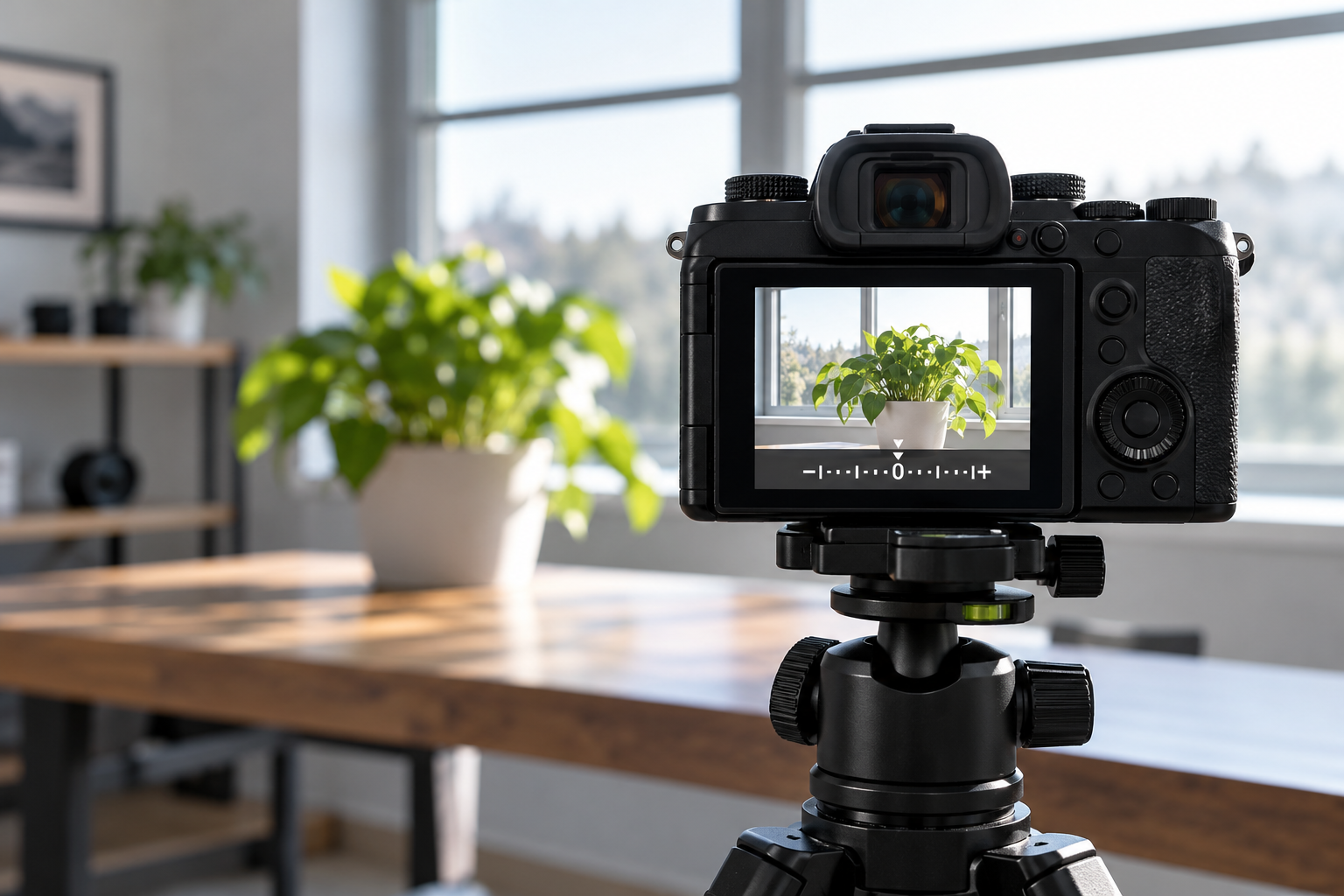
Exposure compensation tells an automatic or semiautomatic camera to render the scene brighter or darker than its meter first suggests. Use the histogram and repeatable steps instead of chasing the rear-screen preview.
This guide was reviewed against current official product information where a model is discussed. Specifications and packages can change, so verify the exact label or manufacturer page before acting.
Know what the control changes
Exposure compensation is a bias applied to the camera’s metered exposure. In aperture priority it usually changes shutter speed; in shutter priority it usually changes aperture when possible; in program mode the camera may alter both. In Auto ISO manual mode, many cameras use compensation to shift ISO. In fully manual exposure with fixed ISO, the control may have no effect. Check the model’s manual and watch which value moves before photographing anything important.
Begin at zero
Reset compensation to 0 EV before a session. Leftover compensation is a common reason an entire set looks unexpectedly bright or dark. Photograph a stable scene in aperture priority at the base setting, then make one frame at plus one stop and one at minus one stop. Compare shutter speed, histogram, and highlight warnings. This three-frame exercise teaches the control faster than memorizing that plus is brighter and minus is darker, because you can see the cost in motion blur or noise.
Understand meter assumptions
Camera meters try to translate the measured scene toward a middle brightness. Snow, white walls, or a bright beach can be rendered too gray, so positive compensation may preserve the scene’s bright character. A dark stage or black product can be lifted too much, so negative compensation may be useful. These are starting tendencies, not fixed recipes. Subject tone, metering mode, framing, and light direction change the result. Judge the important subject and protect highlights that cannot be recovered.
Read the histogram
The histogram summarizes tonal distribution; it does not declare one correct shape. A high-key scene naturally leans right and a low-key scene leans left. Look for unwanted clipping at the edge and use highlight warnings when available. JPEG histograms reflect the camera’s processed preview and may show clipping before a raw file is completely exhausted. Build a small safety margin for changing light. The rear display’s brightness and ambient light can mislead your eyes, so use both visual preview and data.
Choose the metering area
Evaluative or matrix metering considers much of the frame, center-weighted emphasizes the middle, and spot metering samples a small area. Exposure compensation interacts with whatever the meter is reading. If the framing changes, the meter may change even when light does not. For a portrait, meter consistently around the face; for a backlit subject, consider the subject priority and highlight risk. Lock exposure only when you understand how the camera maintains or releases that lock between frames.
Watch shutter speed and ISO
Adding positive compensation requires more exposure. The camera may choose a slower shutter that blurs movement or a higher ISO that adds noise. Negative compensation can produce a faster shutter but leave shadows underexposed. Set a minimum shutter speed or ISO limit when the camera supports it, and review the actual values after each test. In wildlife, sports, or children’s photography, preserving motion may matter more than lifting the file in camera. Exposure is one decision among several.
Use small, deliberate steps
Start with one-third or two-thirds of a stop, make a frame, and inspect the histogram. Large changes are appropriate only when the meter is predictably far from the intended rendering. Bracketing can record several offsets automatically, but it does not replace a stable camera or subject. When light changes quickly, return to zero and reassess rather than stacking corrections on an old assumption. Record the lighting situation and setting so you learn which patterns repeat with your camera.
Reset and verify
Before putting the camera away, return compensation to zero and review other temporary settings such as bracketing, exposure lock, metering mode, and Auto ISO. Many cameras display a plus or minus mark in the viewfinder, but it is easy to miss. Add reset to your shutdown routine. In editing, compare the compensated raw file with the baseline, paying attention to clipped highlights, shadow noise, color, and motion. The best compensation is the smallest reliable change that protects the subject you care about.
Quick checklist
- Confirm the shooting mode supports compensation.
- Make a baseline frame at 0 EV.
- Watch which exposure value changes.
- Read histogram and highlight warnings.
- Protect shutter speed for moving subjects.
- Reset compensation after the session.
Why these checkpoints matter
- Confirm the shooting mode supports compensation. This defines the starting condition and prevents the rest of the process from resting on an assumption.
- Make a baseline frame at 0 EV. This narrows the choice to evidence you can verify on the exact label, model, or scene.
- Watch which exposure value changes. This checkpoint reduces avoidable risk before another variable is introduced.
- Read histogram and highlight warnings. This keeps the routine compatible with the person, product, material, or equipment involved.
- Protect shutter speed for moving subjects. This creates a repeatable step instead of relying on memory or marketing language.
- Reset compensation after the session. This final review catches changes in condition, availability, or instructions before the next use.
Common questions
Does exposure compensation change raw files?
It changes the exposure settings the camera uses, so the raw capture changes. Picture-style brightness does not behave the same way.
Why does the dial do nothing in manual mode?
With fixed shutter, aperture, and ISO, there is nothing automatic to bias. Some cameras allow compensation only when Auto ISO is active.
Should snow always use plus one stop?
No fixed value works everywhere. Make a baseline, examine clipping and subject tone, then adjust in small steps.
Keep the decision useful
Write down the exact model, label, starting condition, and result. Change one variable at a time and return to the official instructions when anything is unclear. A short record makes the next decision easier and keeps an isolated result from becoming a rule that does not fit a different product, person, material, or environment.
Review the information again before repeating the process. Stop when comfort, safety, condition, or the manufacturer’s instructions provide a reason to stop. A useful routine stays simple because every step answers a real question.
For the next attempt, note what improved, what remained uncertain, and what should stay unchanged. This final check reduces guesswork and helps small problems become visible before they turn into repeated mistakes.
Keep the original instructions, model information, and observations together. Before repeating the process, confirm that the product, setting, environment, and intended result are still the same.