
How to Check Shutter Count on a Canon 5D Mark II
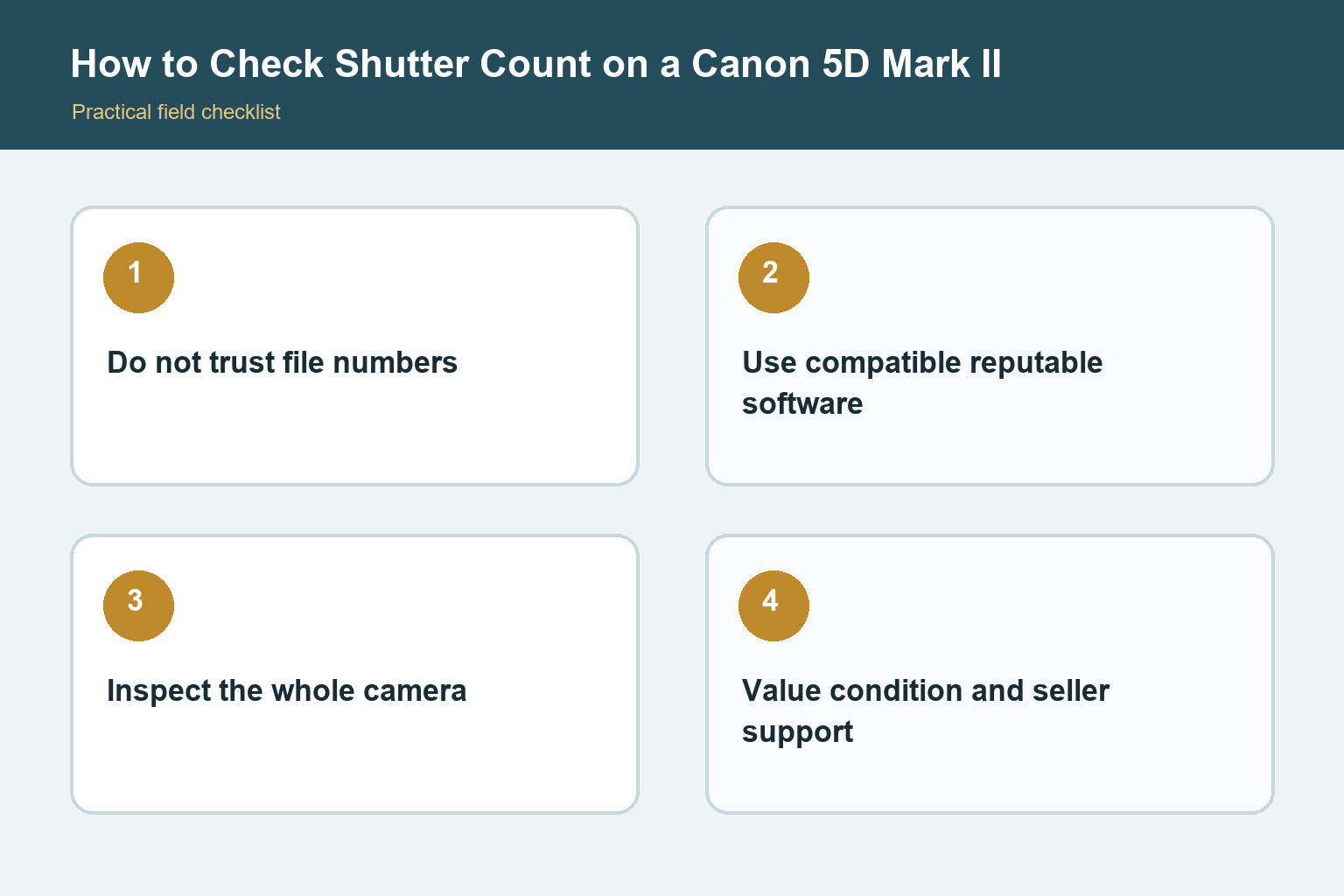
The 5D Mark II does not provide a dependable lifetime shutter total in its normal menus. Use a reputable compatible utility or a service-center check, and treat the number as one part of a broader condition inspection.
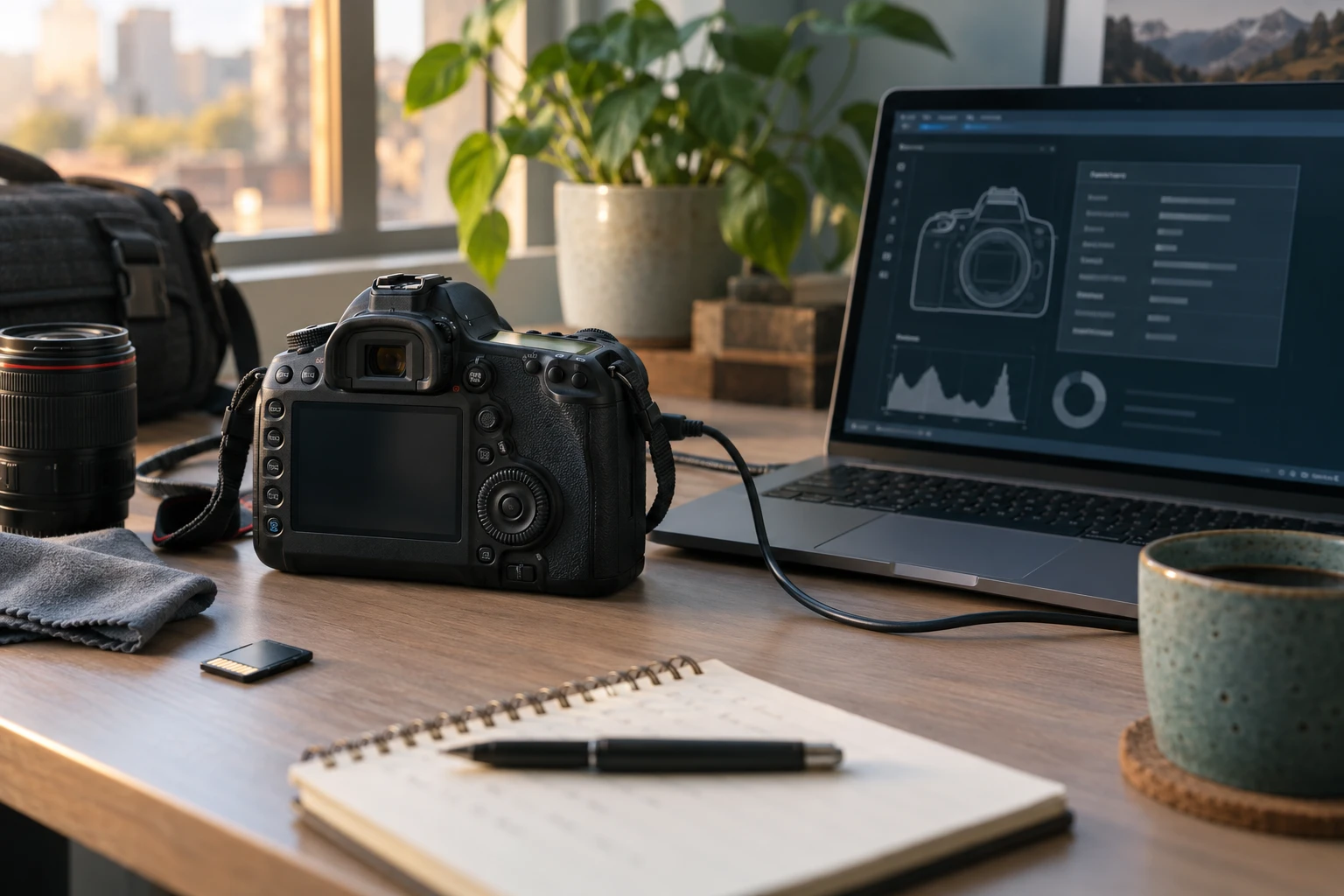
The EOS 5D Mark II does not show a lifetime mechanical shutter count in its ordinary information screens. The image number on a memory card is not a substitute because numbering can reset, roll over, or continue from a card used in another camera. EXIF metadata from a JPEG also does not consistently provide the body’s lifetime count. A trustworthy reading normally requires compatible software communicating with the camera or inspection by a qualified service provider.
Prepare the camera and computer
Charge the battery fully, use a known-good data cable, remove unnecessary accessories, and close applications that might try to connect to the camera. Install only a reputable shutter-count utility that explicitly lists the Canon 5D Mark II and your operating system as supported. Download from the developer’s official site, scan the installer with current security tools, and avoid websites that ask you to upload unrelated files or install browser extensions. Support can change after operating-system updates.
Connect and read the result
Turn the camera off before connecting the cable unless the utility’s documented steps say otherwise. Connect directly to the computer rather than through an unreliable hub, turn the camera on, and follow the utility’s instructions. Record the model, serial number, reported count, utility name, and date. If the program cannot detect the body, do not repeatedly reconnect while the card-access light is active. Try a verified cable, port, battery, and documented compatibility path before assuming the camera is defective.
Understand what the number can and cannot prove
A shutter count estimates mechanical shutter actuations reported by the camera or service interface. It does not reveal every video session, electronic operation, impact, moisture event, repair, or period of poor storage. A low count does not guarantee good condition, and a higher count does not mean failure is imminent. Mechanical parts vary, and published durability figures are test expectations rather than expiration dates. Use the count to support an inspection, not to replace one.
Inspect the body systematically
Check the lens mount, mirror box without touching internal parts, viewfinder, rear screen, card slot, battery compartment, hot shoe, ports, strap lugs, doors, and tripod socket. Test every button and dial, autofocus with more than one lens if possible, flash communication, playback, card writing, USB connection, and both RAW and JPEG capture. Look for corrosion, impact marks, loose controls, intermittent power, severe dust, oil spots, fungus, or signs that the camera was stored damp.
Make test photographs
Photograph a detailed flat subject at several apertures to look for uneven sharpness, then make frames at slow, medium, and fast shutter speeds. Review files on a computer for banding, inconsistent exposure, dead regions, or repeated errors. A small aperture photograph of an evenly lit wall or sky can reveal sensor dust, although dust is a maintenance issue rather than proof of shutter wear. Listen for unusual scraping or irregular timing, and confirm that files write without corruption.
When to use a service center
If compatible software does not produce a credible reading, a qualified camera technician may be able to inspect the body and provide better context. Service is also appropriate when the shutter sounds irregular, error codes recur, the mirror mechanism hesitates, or the camera has evidence of impact or moisture. Before paying, ask whether the technician can actually obtain a count for this model and what the inspection includes. A written condition report can be more valuable than a number alone.
How to make the advice useful
Begin with a real shooting problem instead of a specification. Write down the subject, typical light, needed working distance, carrying limit, and the result you want to improve. Then test one change at a time. This keeps technique, equipment, and expectations separate. Review photographs on a larger screen, compare them at the same output size, and keep notes about the setting or position that actually changed the result.
A practical test routine
Use familiar subjects before an important trip or assignment. Make photographs indoors, outdoors, in motion, and at the closest distance relevant to the task. Check focus, exposure, background, handling, and file transfer while any return period remains open. Repeat weak results before blaming the equipment. Motion blur, missed focus, poor light, dirty optics, and an unsuitable viewpoint can look similar until the variables are tested carefully.
Keep the workflow dependable
Charge and label batteries, use reputable memory cards, format cards in the camera only after files are safely copied, and keep firmware and manuals associated with the exact model. Back up important files to at least two places. Add one accessory or setting change at a time so unexpected behavior has an identifiable cause. A simple routine that you understand will produce more reliable photographs than a complicated setup copied from someone else. Before travel, repeat the complete routine from capture through backup with the exact cables, cards, applications, and storage you plan to carry. A five-minute rehearsal can reveal a missing adapter or unsupported file before it matters.
Check the result, not only the settings
After each practice session, select a small group of successful and unsuccessful frames. Compare focus at the intended viewing size, inspect highlights and shadows, and ask whether the composition communicates the subject clearly. Keep one example of each common mistake with a short note about its cause. That simple record turns trial and error into a repeatable lesson and prevents changing several controls when only one adjustment is needed. Revisit the exercise in different light before deciding that the camera or lens has reached a hard limit.
Final perspective
Photography improves when the tool, technique, and subject support one another. Treat specifications as clues rather than promises, and judge the result at the size people will actually view it. Comfort and confidence affect whether the camera leaves the bag. Whatever option you choose, practice in ordinary conditions, review mistakes without rushing, and build a small repeatable process before adding more equipment or complexity. Save a final checklist with the camera so a successful setup can be rebuilt months later. Good documentation is especially useful when several people share the equipment or when a rarely used feature must work under time pressure.
Sources and review notes
Editorial note: This educational guide intentionally contains no affiliate product links.