
Reviewed and updated: November 14, 2026
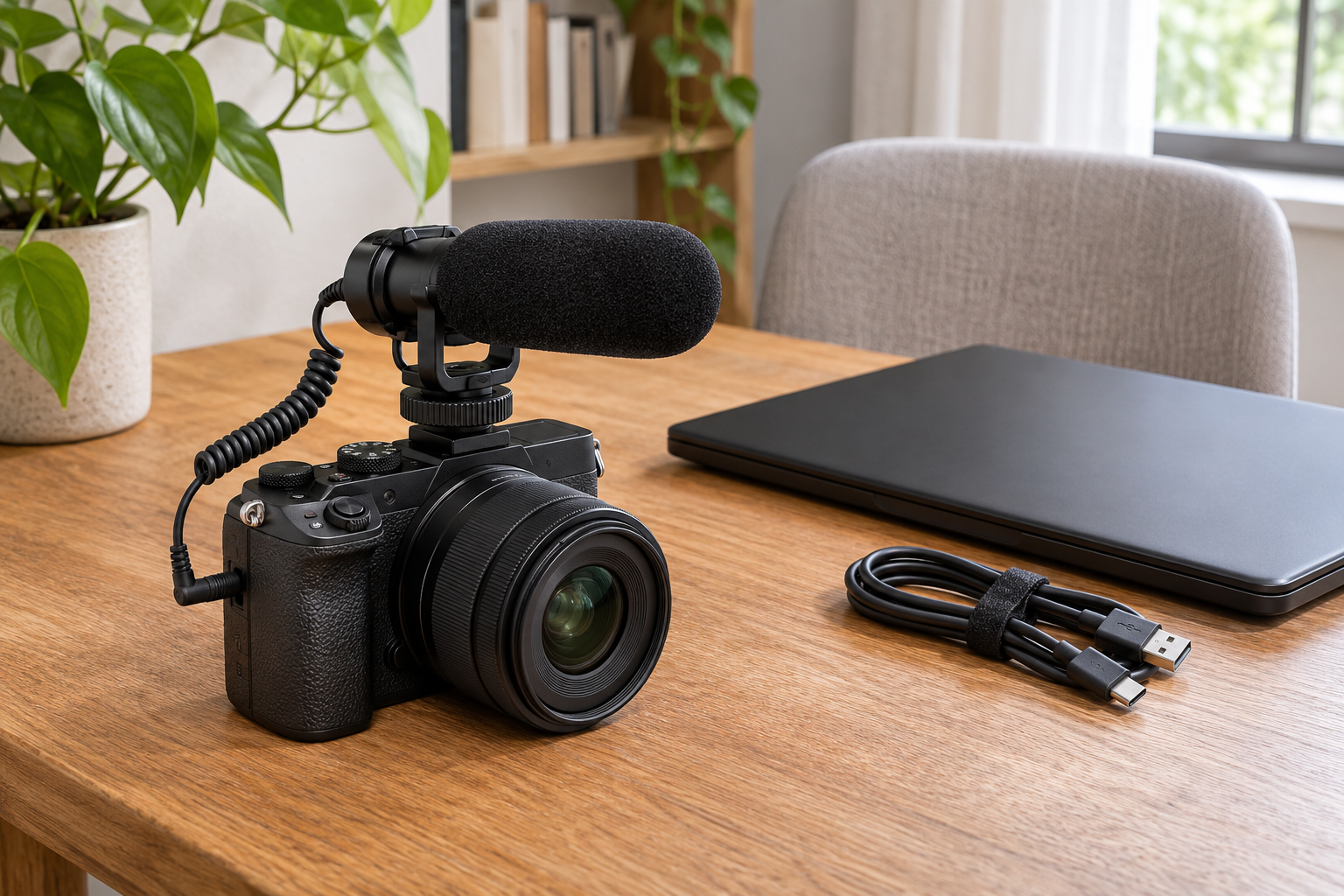
A microphone that moves from your camera to your laptop can earn its place in two parts of your day. That is the strongest reason to choose the RØDE VideoMic GO II over the VideoMicro II: you can record through a camera’s microphone input, then use its USB connection for a voice-over or video call. We recommend the smaller VideoMicro II when your priority is a light, uncomplicated camera setup and you have little reason to record over USB.
Both keep batteries and power switches out of the routine. The important difference is how you want to work beyond the camera. Extra connections are useful when you will use them; a compact microphone with the right included wind protection can be the more satisfying purchase for straightforward filming.
The VideoMicro II keeps your camera kit small
The VideoMicro II is just 80mm long, with a microphone-and-mount weight of about 39g. That makes it appealing on a small mirrorless camera, especially when you want to carry the camera in a modest bag or hold it out in front of you. It adds a dedicated directional microphone without asking you to build a large recording rig around it.
Its all-metal body and HELIX isolation mount suit that simple approach. The mount helps reduce bumps and handling vibration reaching the microphone, while cable-management slots keep the connection tidy. It cannot make a moving camera silent, but it gives the microphone some separation from the knocks that travel through a rigid attachment.
You also get both foam and furry windshields, plus separate camera and smartphone connection cables. The furry cover is a useful inclusion for outdoor filming. That makes this a coherent small kit for recording family outings, nearby conversations or short pieces to camera, rather than a bare microphone that immediately needs several extras.
RØDE VideoMicro II
Our pick for a small camera kit, with simple operation and furry wind protection already included.
Find in Amazon (paid link)
RØDE VideoMic GO II
We recommend it when you want one microphone for camera recording, USB narration and headphone monitoring at your desk.
Find in Amazon (paid link)
The GO II makes more sense between camera and desk
The VideoMic GO II adds a USB-C audio output alongside its 3.5mm camera connection. You can use the same microphone for a filmed introduction and for narration recorded separately at your computer. That flexibility is more compelling than buying it simply because the larger model sounds like a step up in a product range.
In USB mode, its 3.5mm socket can serve as a headphone output for monitoring and playback. Hearing the microphone directly is helpful when you are settling into a desk recording: you can notice a noisy fan, an awkward speaking distance or a cable rubbing against something before committing to a long take. The VideoMicro II has no equivalent built-in USB connection or headphone-monitoring function.
The GO II still needs a suitable USB cable for your device; the camera lead is not a substitute. Its longer body also takes more space above the camera than the VideoMicro II. Those are reasonable compromises for a microphone that will spend time beside a laptop, but less persuasive when it will stay on the camera permanently.
Make sure the connection suits your actual equipment
For camera recording, both use a 3.5mm microphone connection and require plug-in power from the connected equipment. This is the small power supply provided by a compatible microphone input, rather than a battery inside the microphone. A camera shoe holds the mount; it does not supply the audio connection or turn an incompatible camera into a compatible one.
Your camera therefore needs an appropriate powered microphone input. A headphone socket is not the same thing, and neither microphone creates an input on a camera that lacks one. This matters particularly with compact cameras, where the presence of a mounting point can make an accessory look more universally usable than it is.
Phones need equal attention. The VideoMicro II’s included smartphone cable is for an appropriate 3.5mm headset input; a phone with only USB-C or Lightning needs a compatible microphone adapter. The GO II offers a more direct digital route with the appropriate USB cable. Lightning devices require a compatible RØDE connection such as the SC15 or SC19, rather than an ordinary USB-C-to-Lightning charging cable.
USB features are useful, but they stay in USB mode
With the GO II connected over USB, RØDE’s compatible apps give you controls including a high-pass filter, high-frequency boost and pad. The filter can reduce low-frequency rumble; the pad provides extra room for loud input. These are worthwhile options for a desk setup where you want more control without changing microphones.
They do not turn its analogue camera connection into an adjustable digital recording system. Those processing controls are unavailable through the 3.5mm output, so your camera’s recording-level controls remain important. Buy the GO II for its extra way of recording, rather than expecting its USB settings to follow it into every camera session.
Direction helps; distance still matters
Both are directional shotgun microphones with a supercardioid pickup pattern. In everyday terms, they favour sound in front of the microphone while reducing some sound from other directions. That suits recording the person or activity your camera is facing. It is less suitable for a group spread around the camera or a presenter speaking from behind it.
A directional microphone also cannot bring a distant voice physically closer. With the camera across a lively room, nearby voices and reflections can still compete with your subject. Neither option is a wireless clip-on system. For interviews where you need to stand well back, a microphone placed nearer the speaker may be a more useful purchase than either camera-mounted choice.
Our broader camera microphone guide helps you compare those different recording approaches. The point is to match the microphone’s position to the video you want to make, rather than assuming every external microphone solves the same problem.
Allow for wind protection and camera clearance
The VideoMicro II’s supplied furry windshield gives it an appealing starting kit for filming outside. The GO II includes a foam windshield; RØDE recommends the separately sold WS12 furry cover for stronger wind. Foam and fur help with moving air, but neither makes the microphone weatherproof or guarantees clean sound in every gust.
Physical clearance matters too. A microphone and its wind cover can intrude into an unusually wide camera view, especially on a small body. Allow space for the viewfinder, screen movement and cable. That is a practical reason to favour the shorter VideoMicro II when keeping the top of your camera uncluttered matters more than adding desk-recording features.
Which one belongs in your kit?
The VideoMicro II is our recommendation for a compact camera companion, with simple operation and useful outdoor accessories already included. The VideoMic GO II earns the extra space when you want one microphone for both camera recording and USB work, especially with headphone monitoring at your desk. Let that second role decide the purchase: buy the connection you will enjoy using, rather than extra features that never leave the box.