
Best Memory Cards for Canon 80D in 2026: Practical UHS-I Picks
What this guide covers in 2026
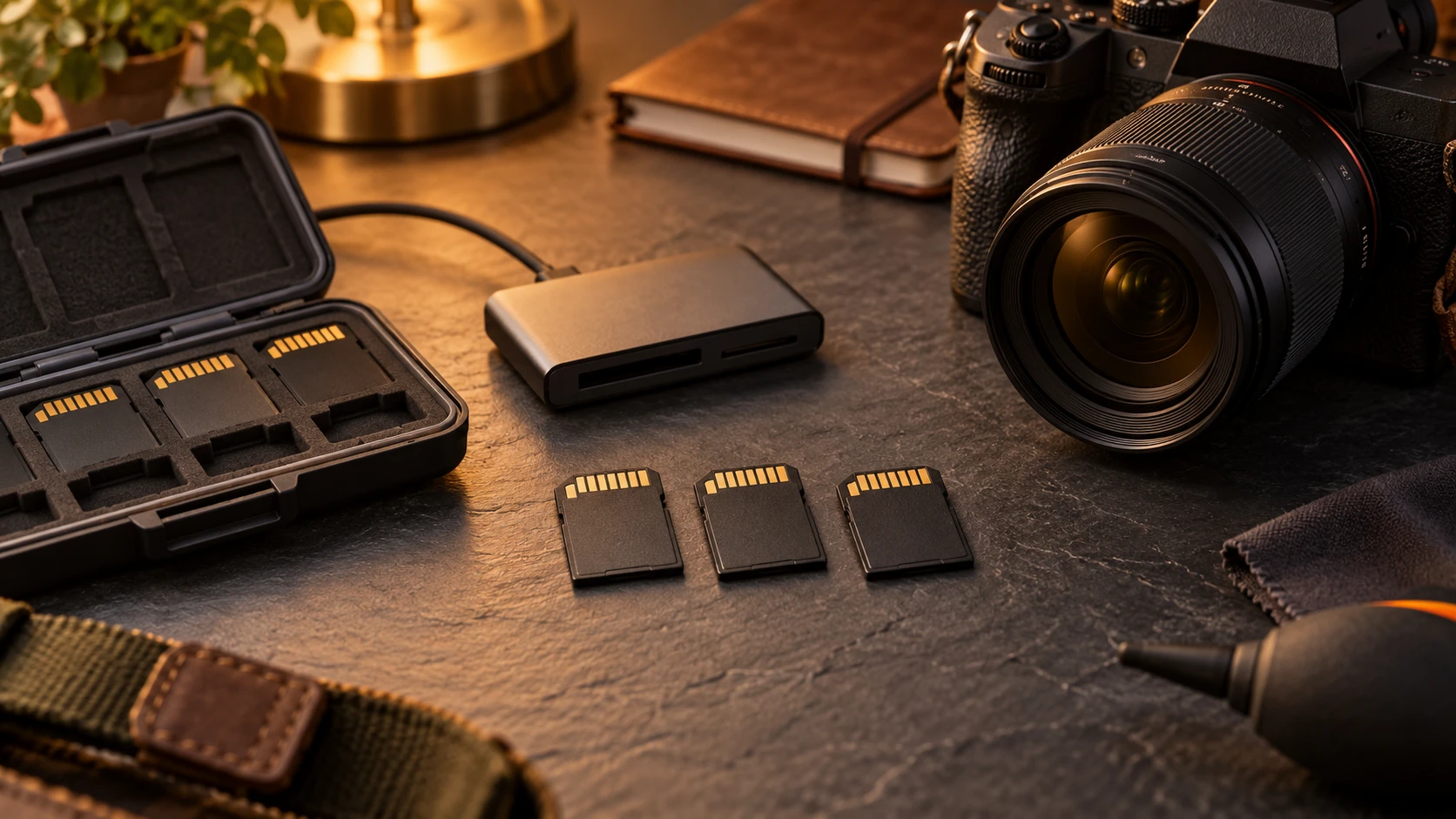
Canon specifies SD, SDHC, and SDXC media for the EOS 80D, with high-speed writing supported on UHS-I cards. The camera does not gain a UHS-II bus from a faster card, although a UHS-II card can still operate at the slower compatible mode. Card speed affects burst clearing and video reliability, while reader speed affects transfers to a computer.
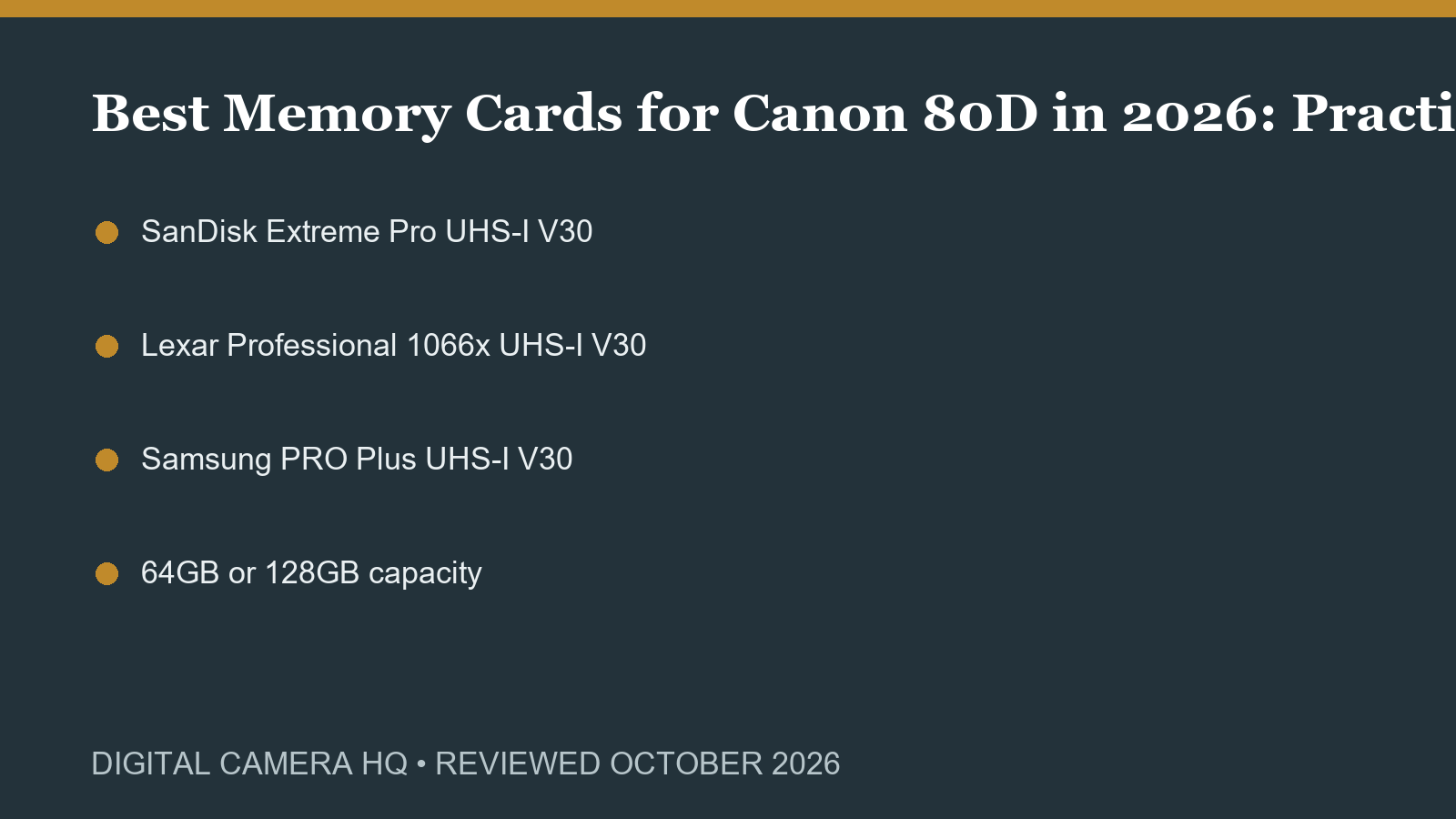
SanDisk Extreme Pro UHS-I V30
A dependable high-performance choice for stills and Full HD video. Look for the exact UHS-I V30 version, buy from a reliable seller, and test the card before important work. Marketplace listings can combine several generations and capacities on one page.
Lexar Professional 1066x UHS-I V30
This widely available UHS-I line offers suitable write ratings for the 80D and fast transfers with a compatible reader. Confirm capacity, rating, seller, and warranty region. The 1066x marketing figure should not be confused with the camera interface limit.
Samsung PRO Plus UHS-I V30
A practical alternative when sold with a full-size SD adapter or in native SD form. Confirm the package includes the format the camera accepts. Small microSD cards in adapters add another contact point and are less desirable for demanding field use.
64GB or 128GB capacity
Moderate cards reduce the number of images placed at risk if one card is lost or corrupted. A 64GB card is ample for many still sessions; 128GB offers more room for RAW plus JPEG or video. Carry tested spares instead of relying on one enormous card.
Choose for the photographs you actually make
Start with subject, working distance, light, and the output you need. A broad zoom is convenient, a bright prime helps shutter speed and depth of field, and a telephoto creates reach at the cost of size. Write down the situations that cause the current kit to fail before buying. That list prevents a famous specification from replacing the practical need that motivated the purchase.
Compatibility comes before image quality
Similar Canon names can describe products from different generations. RF, EF, EF-S, EF-M, and FD are not interchangeable labels. An adapter can preserve many EF functions on EOS R bodies, but it adds length and does not turn an older design into a native RF lens.
How to judge a used listing
Prefer a seller with clear photographs, a useful return period, and an accurate condition description. Ask about haze, fungus, separation, scratches, impact, moisture, autofocus, stabilization, aperture operation, and included caps or hood. Cosmetic wear is often harmless; optical haze, decentering, damaged mounts, intermittent electronics, or severe impact are reasons to walk away.
Test during the return window
Photograph detailed scenes at several distances and apertures. Compare the left and right sides, test focus repeatedly, and review files at the size you actually use. Try stabilization, switches, zoom and focus rings, card writing, or adapter communication as relevant. A controlled test is more useful than judging a single attractive sample image.
Budget for the complete system
Include filters, hood, adapter, cards, batteries, support, storage, and a protective bag. Large high-resolution files may require more computer and backup capacity. Heavy glass can make a small camera unpleasant to carry. A slightly less ambitious option that travels with you regularly is often the more productive purchase.
Current products versus legacy value
Older equipment can still make excellent photographs when its condition, price, and limitations are understood. Current RF or RF-S products usually provide a clearer service path, newer autofocus, and native communication. Legacy EF, EF-S, or FD gear makes sense when it solves a specific need at a meaningful discount or complements equipment you already own.
Handling and technique affect the result
A lens or accessory cannot replace stable technique, accurate focus, suitable shutter speed, and useful light. Practice with the controls before an important session. Use support when shutter speed becomes marginal, review critical focus at useful magnification, and learn how the equipment behaves at its weakest settings. Wide-open apertures reduce depth of field, long lenses magnify movement, and broad zoom ranges usually involve optical compromises. Knowing those limits produces more consistent photographs than changing equipment after every disappointing frame.
When a system upgrade is the better answer
Adding another legacy item is sensible when the existing camera remains reliable and the new item fills a clear gap. A system change becomes more attractive when several needs arrive together: better subject detection, dependable live-view autofocus, quieter operation, modern video, lighter lenses, current service, or simpler wireless transfer. Compare the complete cost rather than one body price. Existing EF lenses may adapt well to EOS R cameras, while EF-S lenses use a cropped image area on full-frame RF bodies. Selling duplicate gear can sometimes fund a smaller, more coherent kit.
Care, storage, and long-term reliability
Keep equipment dry, capped, and protected from rapid temperature changes. After working in dust, salt spray, or damp weather, clean the exterior with appropriate tools and allow the kit to dry before storage. Rechargeable batteries should be inspected for swelling, and memory cards should be replaced when errors appear. Exercise focus and zoom mechanisms periodically on stored lenses. For valuable older equipment, keep serial numbers and condition photographs. Careful storage does not reverse existing fungus or separation, but it reduces the chance that a good copy becomes an expensive repair.
Models in this guide
Product searches
A memory-card option when its format and speed class suit your camera’s recording requirements.
Find in Amazon (paid link)
A memory-card option when its format and speed class suit your camera’s recording requirements.
Find in Amazon (paid link)
A memory-card option when its format and speed class suit your camera’s recording requirements.
Find in Amazon (paid link)
A memory-card capacity choice when you’d like room for your planned photo sessions without swapping cards as often.
Find in Amazon (paid link)
Sources and review notes
- Official Canon source
- Official Canon source