
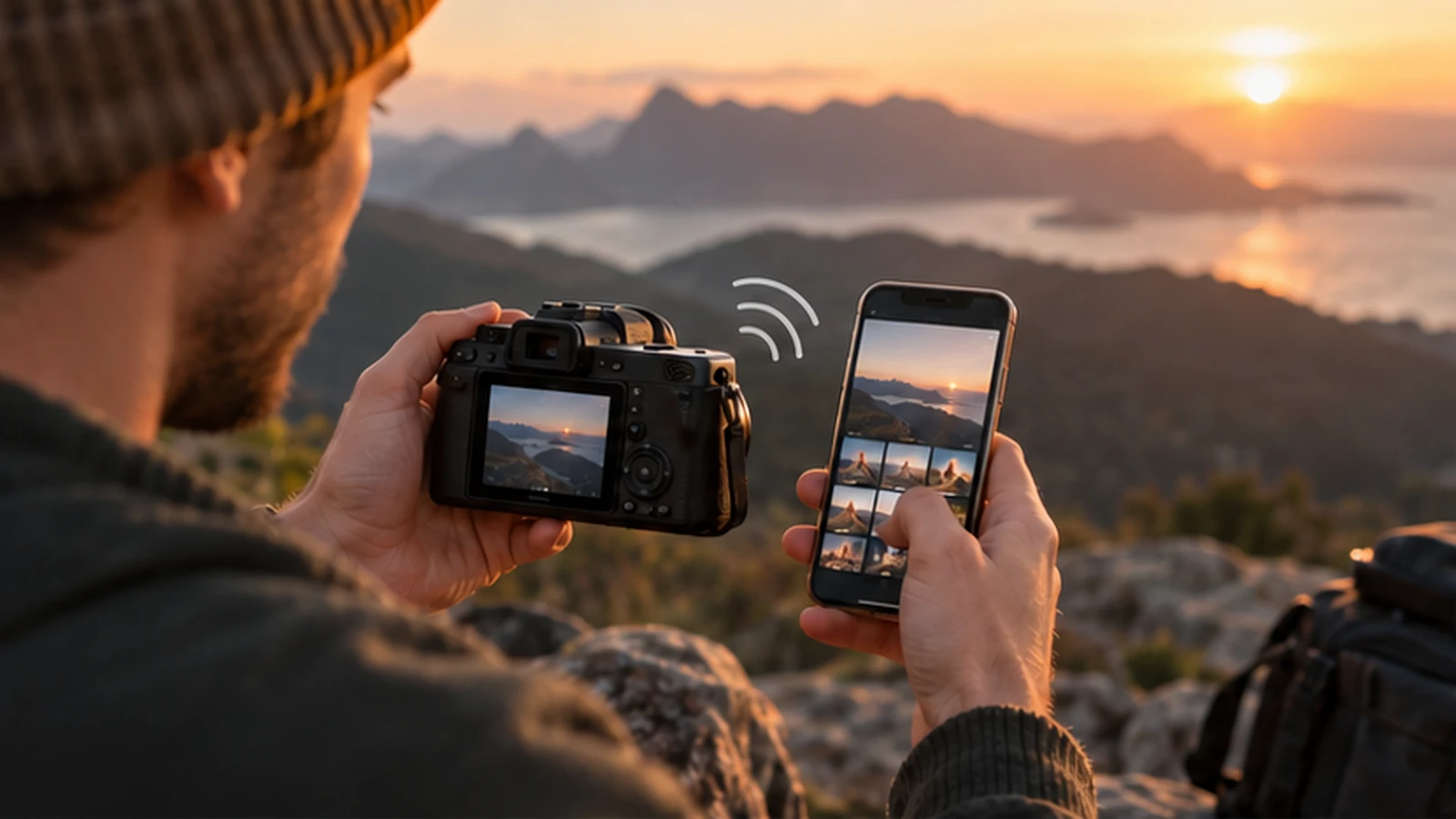
Best Cameras with Wi-Fi in 2026
What matters in 2026
Wireless transfer is useful for quick sharing and remote control, but app support and connection reliability matter more than the Wi-Fi label. This refresh keeps the original address and publication history while replacing the former 2022 shopping list with current products, supported alternatives, and a realistic used-market process.
Choose around a repeated subject and complete workflow. Size, controls, lens access, power, transfer, and dependable support often matter more than a small laboratory difference. The sections below separate current choices from discontinued gear and explain how to test the purchase before the return period closes.
Nikon Z50II
With SnapBridge, the Z50II can send photos to your phone as you take them. Automatic upload works over Bluetooth or when the camera joins your Wi-Fi network in station mode. Nikon’s wireless connection guide.
Sony ZV-E10 II
For video, the ZV-E10 II lets you send either the original movie or a smaller proxy to Creators’ App. Record a proxy if you want a quicker transfer for a phone edit. Sony’s phone transfer guide.
Fujifilm X-S20
The X-S20 pairs with a phone over Bluetooth and switches to Wi-Fi to copy pictures. You can also use your phone as a remote viewfinder, which is handy for a group shot when the camera is on a tripod. Fujifilm’s smartphone guide.
Canon EOS R10
Canon Camera Connect lets you browse images on the EOS R10 from your phone over Wi-Fi. For a group portrait, you can also control the camera remotely. Canon’s Wi-Fi guide.
How to use this guide
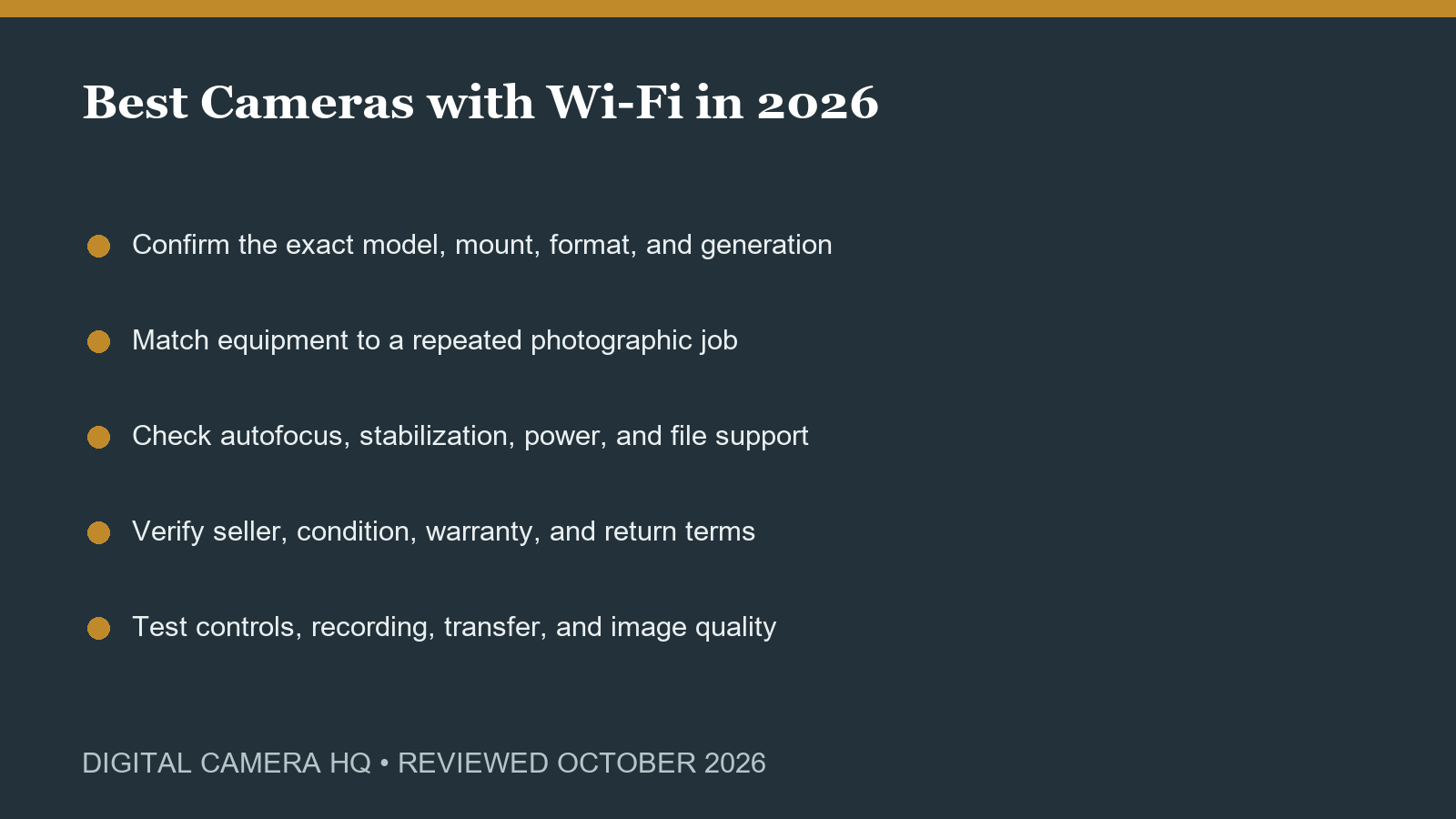
Begin with the practical limitation described above, then compare two realistic paths using the same subjects and output. Borrow, rent, or test locally when the difference is expensive. Record the complete workflow from capture through backup and delivery. A choice that is slightly weaker on paper may be better when it is easier to carry, simpler to operate, and more reliable with the equipment already owned.
Warning signs to avoid
Be cautious with vague listings, impossible specifications, copied photographs, missing model numbers, proprietary batteries without chargers, unsupported apps, and prices that depend on large accessory bundles. For used equipment, ask for current photographs and sample files. For very inexpensive digital cameras, an existing phone or a tested used model from a reputable seller usually provides a safer result than an unknown new camera.
Match the equipment to a repeated job
Write down the subjects you photograph, the light you normally have, the distance from the subject, the largest final output, and how much equipment you will actually carry. A specification matters only when it improves one of those repeated situations. Favor a dependable camera with one appropriate lens over a large kit assembled from unrelated recommendations.
Compatibility comes before features
Install the camera maker’s app on the phone you plan to use. Pair it once, send a photo, then reconnect after turning the camera off and on. That last step tells you how much setup you’ll repeat on a day out.
Image quality is a complete chain
Lens quality, focus accuracy, shutter speed, light, subject movement, exposure, color management, editing, and output all affect the final photograph. A newer body cannot correct weak technique or unsuitable lighting. Compare RAW files when possible, but also test the JPEG, video, transfer, and export workflow that will actually be used.
Budget for the complete kit
Include a suitable lens, memory cards or film, batteries, charger, bag, cleaning tools, support, lighting, software, storage, and possible repairs. Avoid bundles filled with generic accessories. For film, add processing and scanning. For used gear, reserve money for a battery, seals, cleaning, or return shipping. The lowest purchase price is not always the lowest working cost.
Inspect and test promptly
Examine the mount, optics, contacts, doors, ports, screen, viewfinder, battery compartment, controls, and signs of impact or moisture. Test focus near and far, record video where relevant, write and read cards, transfer files, and inspect images at full size. With film equipment, check advance, rewind, meter, shutter timing, light seals, and lens aperture. Keep packaging until the return window is safely complete.
Use current support as a tie-breaker
A current product usually offers clearer firmware, battery availability, service, and application support. An older camera remains valuable when it is clean, affordable, and does the needed job, but collector pricing can erase that advantage. Compare the used total with a supported alternative and choose the system whose lenses and accessories still make sense for the next several years.
Compare the four cameras
View on Amazon (paid link)
View on Amazon (paid link)
View on Amazon (paid link)
View on Amazon (paid link)
Official sources and review notes
- Nikon current mirrorless catalog
- Canon current EOS R catalog
- PENTAX 17 official features
Current product families and support status were checked against official sources during the October 2026 refresh. Used and discontinued equipment is labeled clearly.
Final recommendation
Try the transfer you expect to use most: a full-size photo for editing, a smaller copy to send to a friend, or a short video clip. Open the file on your phone and check its size and detail before you rely on that workflow away from home.