
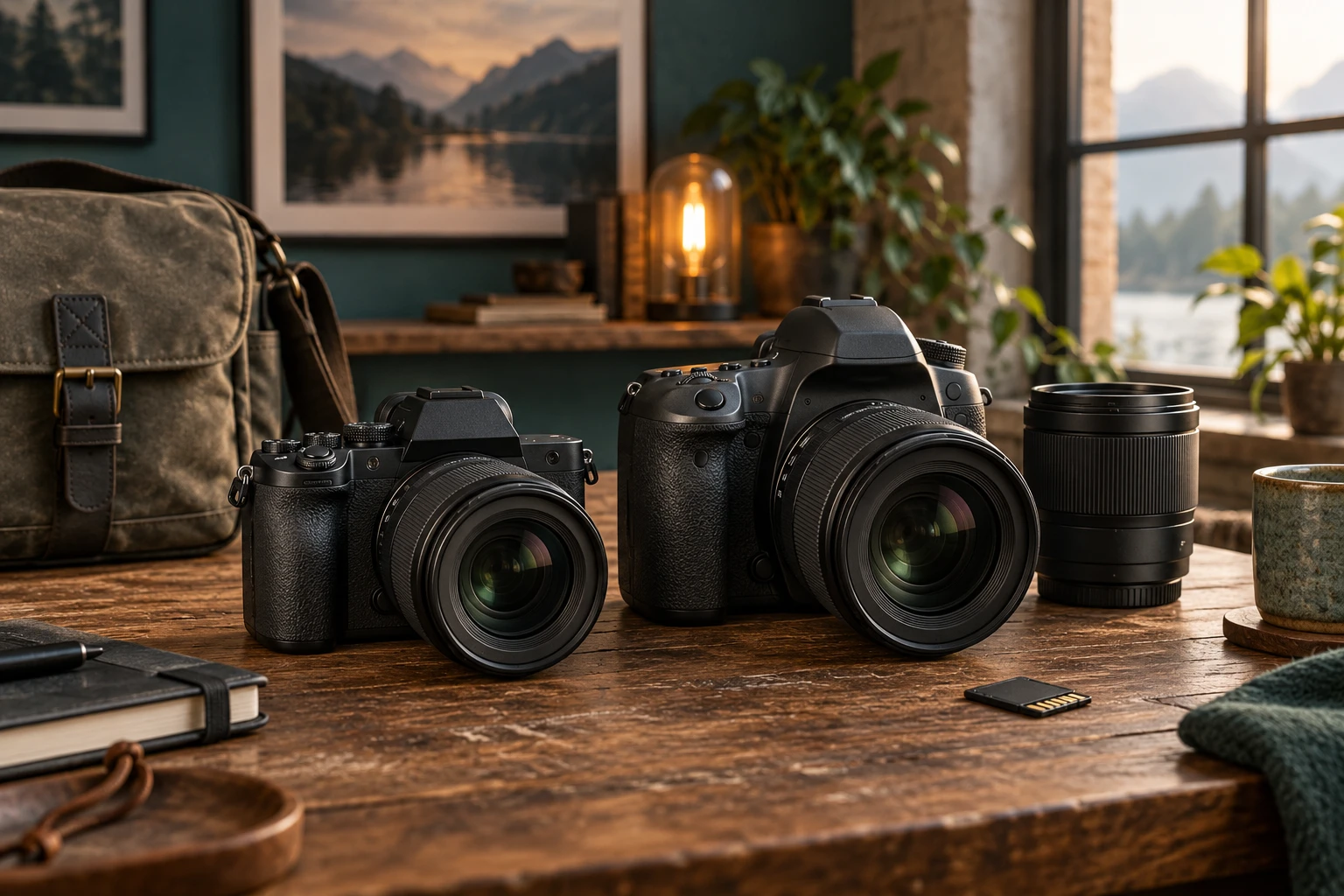
Mirrorless vs. DSLR Cameras: Which Is Better for You?
Mirrorless cameras provide the strongest current development, autofocus, and video features. DSLRs still offer excellent optical viewfinders, long battery life, and strong used value when their size and older support path fit your needs.
How the designs differ
A DSLR uses a mirror to direct light from the lens into an optical viewfinder. When the picture is made, the mirror lifts and the shutter exposes the sensor. A mirrorless camera sends light directly to the sensor and usually displays a live feed on an electronic viewfinder or rear screen. Removing the mirror shortens the lens-mount distance and changes the viewing experience, but it does not automatically make every body or lens small.
Viewfinder experience
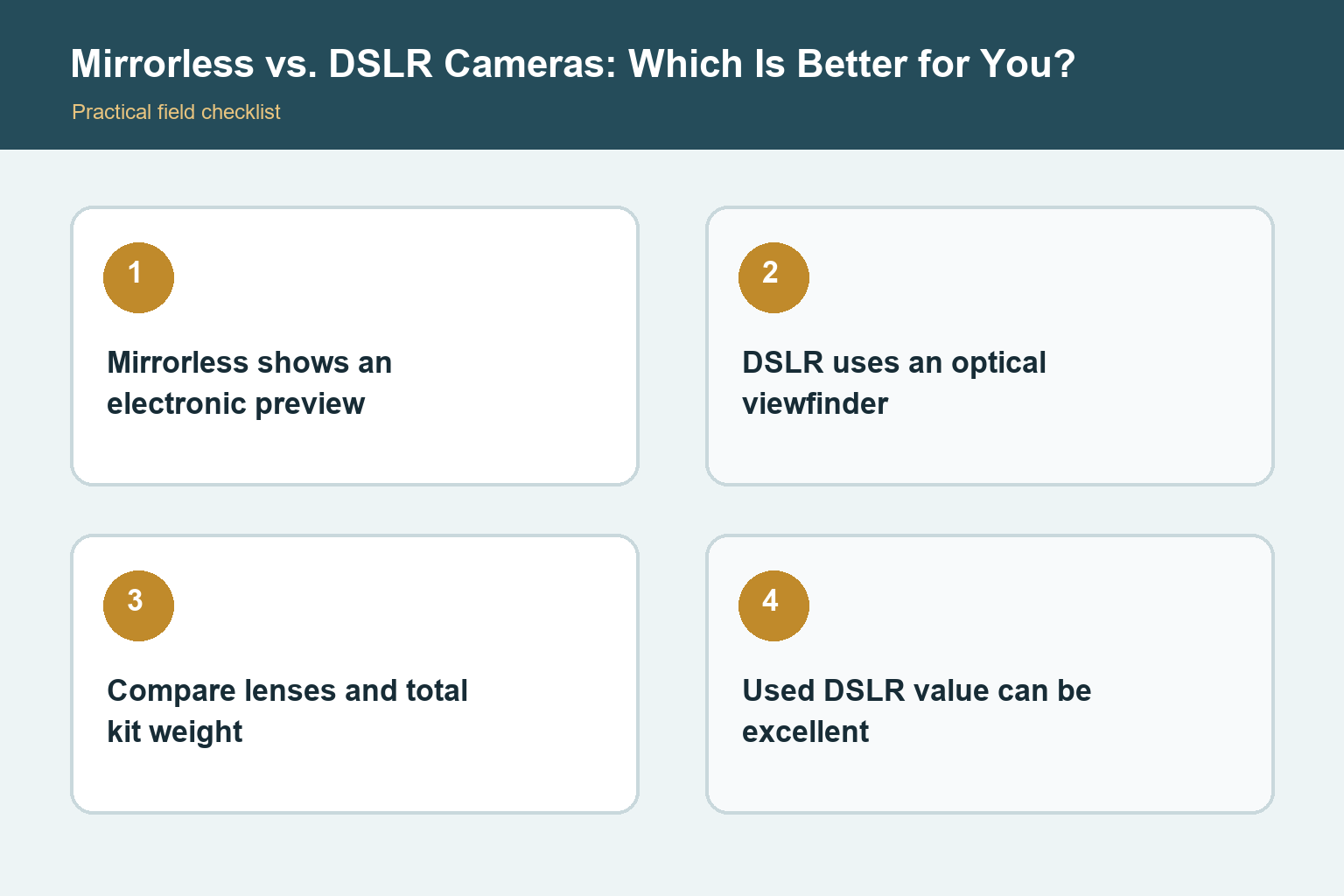
An optical viewfinder shows the scene without display lag and remains clear in bright light, though it cannot preview exposure, white balance, or picture style. An electronic viewfinder can magnify focus, show histograms and exposure changes, display a brightened low-light scene, and review images without lowering the camera. It also consumes power and may show noise, lag, or blackout under difficult conditions. Personal comfort matters, especially for eyeglass wearers.
Autofocus and subject tracking
Current mirrorless cameras generally lead in wide-area autofocus, face and eye detection, subject recognition, and focus during video because the imaging sensor participates directly in focusing. DSLRs can focus very quickly through the optical viewfinder, particularly higher-end sports bodies with suitable lenses, but coverage and subject intelligence are usually more limited. Older entry-level DSLRs may focus slowly in live view. Compare the exact bodies rather than the category alone.
Lenses and adapters
DSLR systems have deep used inventories, including affordable primes, professional zooms, flashes, and specialty lenses. Mirrorless mounts now receive most new lens development and can often adapt older DSLR lenses with manufacturer-supported adapters. Adaptation may add length, weight, or feature limits. Native lenses normally give the cleanest balance and compatibility. Build a realistic three-lens plan and compare price, size, autofocus, stabilization, and future support before choosing a body.
Battery life, size, and handling
DSLRs often achieve long still-photo battery life because the optical viewfinder needs no continuous display. Mirrorless cameras power a sensor and screen or electronic viewfinder during composition, though newer batteries have improved. Mirrorless bodies can be compact, but large full-frame zooms still create large kits. DSLRs may offer deeper grips and more physical separation between controls. Test complete kits in hand and budget for a spare battery where needed.
Video and silent shooting
Mirrorless cameras usually offer stronger video autofocus, preview tools, codecs, frame-rate choices, and lens options designed for hybrid work. Many provide electronic or silent shutter modes, but moving subjects and artificial lighting can reveal rolling-shutter distortion or banding. A DSLR can record good video, yet models differ widely and optical viewfinders do not operate normally during live-view recording. Check heat limits, crop factors, audio connections, stabilization, and record times on the exact model.
Which should you buy now?
Choose mirrorless when you want current autofocus development, strong video, electronic preview, compact native lenses, or the clearest upgrade path. Choose a DSLR when you prefer an optical viewfinder, need long battery life, already own compatible lenses, or find a carefully inspected used kit at a compelling price. Avoid paying near-current prices for an old body simply because accessories are included. Condition, lens quality, and support matter more than the mirror itself.
How to make the advice useful
Begin with a real shooting problem instead of a specification. Write down the subject, typical light, needed working distance, carrying limit, and the result you want to improve. Then test one change at a time. This keeps technique, equipment, and expectations separate. Review photographs on a larger screen, compare them at the same output size, and keep notes about the setting or position that actually changed the result.
A practical test routine
Use familiar subjects before an important trip or assignment. Make photographs indoors, outdoors, in motion, and at the closest distance relevant to the task. Check focus, exposure, background, handling, and file transfer while any return period remains open. Repeat weak results before blaming the equipment. Motion blur, missed focus, poor light, dirty optics, and an unsuitable viewpoint can look similar until the variables are tested carefully.
Keep the workflow dependable
Charge and label batteries, use reputable memory cards, format cards in the camera only after files are safely copied, and keep firmware and manuals associated with the exact model. Back up important files to at least two places. Add one accessory or setting change at a time so unexpected behavior has an identifiable cause. A simple routine that you understand will produce more reliable photographs than a complicated setup copied from someone else. Before travel, repeat the complete routine from capture through backup with the exact cables, cards, applications, and storage you plan to carry. A five-minute rehearsal can reveal a missing adapter or unsupported file before it matters.
Check the result, not only the settings
After each practice session, select a small group of successful and unsuccessful frames. Compare focus at the intended viewing size, inspect highlights and shadows, and ask whether the composition communicates the subject clearly. Keep one example of each common mistake with a short note about its cause. That simple record turns trial and error into a repeatable lesson and prevents changing several controls when only one adjustment is needed. Revisit the exercise in different light before deciding that the camera or lens has reached a hard limit.
Final perspective
Photography improves when the tool, technique, and subject support one another. Treat specifications as clues rather than promises, and judge the result at the size people will actually view it. Comfort and confidence affect whether the camera leaves the bag. Whatever option you choose, practice in ordinary conditions, review mistakes without rushing, and build a small repeatable process before adding more equipment or complexity. Save a final checklist with the camera so a successful setup can be rebuilt months later. Good documentation is especially useful when several people share the equipment or when a rarely used feature must work under time pressure.
Sources and review notes
- Canon camera learning center
- Nikon camera learning center